
AI Video Face Swap Tool
AI Video Face Swap
Match source and target faces in order, then generate a cleaner AI face swap video.
Replace faces in a target video with natural-looking results. Suitable for character replacement, actor previews, creative remixes, and concept ad mockups.


AI Video Face Swap Results
See before and after examples for replacing identities inside existing video footage.
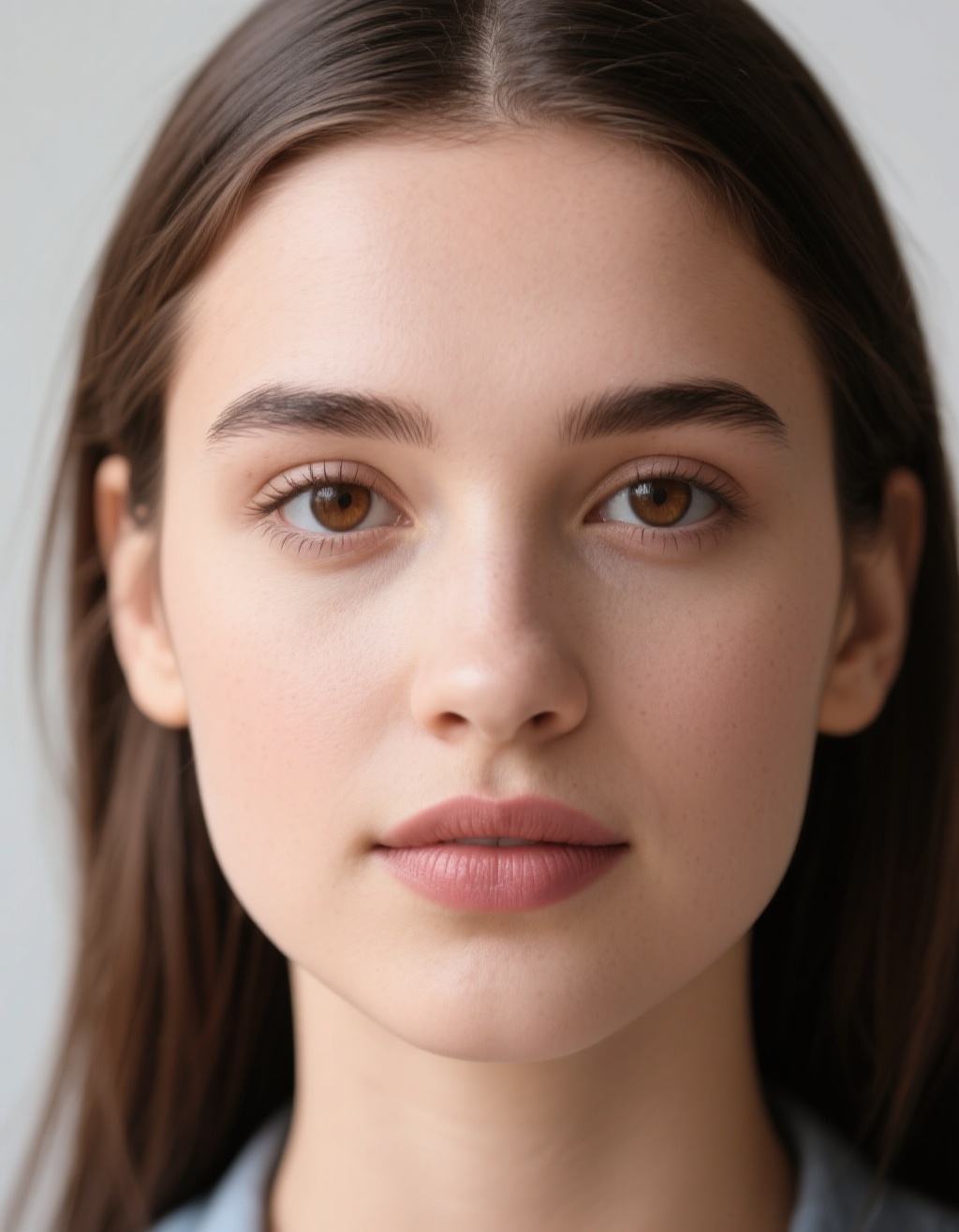
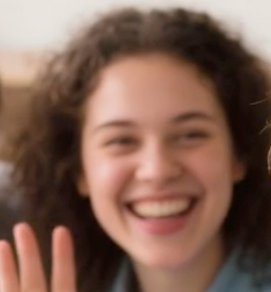
Use the source_image as the face to insert into the video, and use the target_image as the face in the video that should be replaced.
AI Video Face Swap
Replace the selected face in a target video with a source face image while preserving the original performance, camera motion, and shot timing.
How to Use AI Video Face Swap
Upload target footage, source faces, and target face references in matching order to create a one-to-one face swap.
Replace faces inside an existing video
Use this workflow when you need to map one or more source faces onto people already present in a target video.
Best For: Character replacement, parody edits, demos, and identity testing in motion footage
Workflow Overview
Match source and target faces one by one
Upload the target clip, provide source and target face images in matching order, and generate a swapped final video.
Model Summary
Video Face Swap
Replace faces in a target video with natural-looking results. Suitable for character replacement, actor previews, creative remixes, and concept ad mockups.
Recommended Flow
Upload the Target Video -> Add Source Face Images -> Match Target Faces -> Generate the Swap
Upload the Target Video
Choose the clip where face replacement should happen.
Add Source Face Images
Upload the faces you want inserted into the video.
Match Target Faces
Upload target face references in the same order so replacement mapping stays correct.
Generate the Swap
Run the model, optionally enhance the faces, and export the final result.
Ready to Create a Face Swap Video?
Upload a video and face references to start.
Video to Video AI | Pricing
Choose a plan for video editing, lip sync, video extend, video face swap, video upscale, image-to-video, and text-to-video workflows.
Professional
- 25,200 base credits + 7,800 bonus credits
- Credits are issued in full at once, refreshed annually
- Private generations allowed
- Commercial usage
- Priority support
- Support advanced Video to Video AI teams
Annual billing with 50% savings.
Ultra
- 50,400 base credits + 15,600 bonus credits
- Credits are issued in full at once, refreshed annually
- Private generations allowed
- Commercial usage
- Priority support
- Handle enterprise Video to Video AI volume
Annual billing with 50% savings.
Standard
- 12,000 base credits + 4,000 bonus credits
- Credits are issued in full at once, refreshed annually
- Private generations allowed
- Commercial usage
- Priority support
- Built for high-volume Video to Video AI production
Annual billing with 50% savings.
One-Time Credits
Pay as you go for Video to Video AI credits (never expires)
Frequently Asked Questions
Have another question? Contact us on Discord or by email.
Start Your First Video to Video AI Workflow
Generate edits, lip sync videos, extended scenes, face swaps, upscale passes, and new video ideas from one platform.