
Run Video to Video AI Workflows in One Generator
Create, edit, extend, dub, swap, upscale, and transform footage with a unified Video to Video AI generator.
Improve video clarity and resolution. Useful for old footage restoration, low-resolution enhancement, social content cleanup, and sharper delivery exports.


Video to Video AI Workflows
Browse video-to-video examples side by side, from character replacement and outfit transformation to face swap, lip sync, video extend, and video upscale workflows.


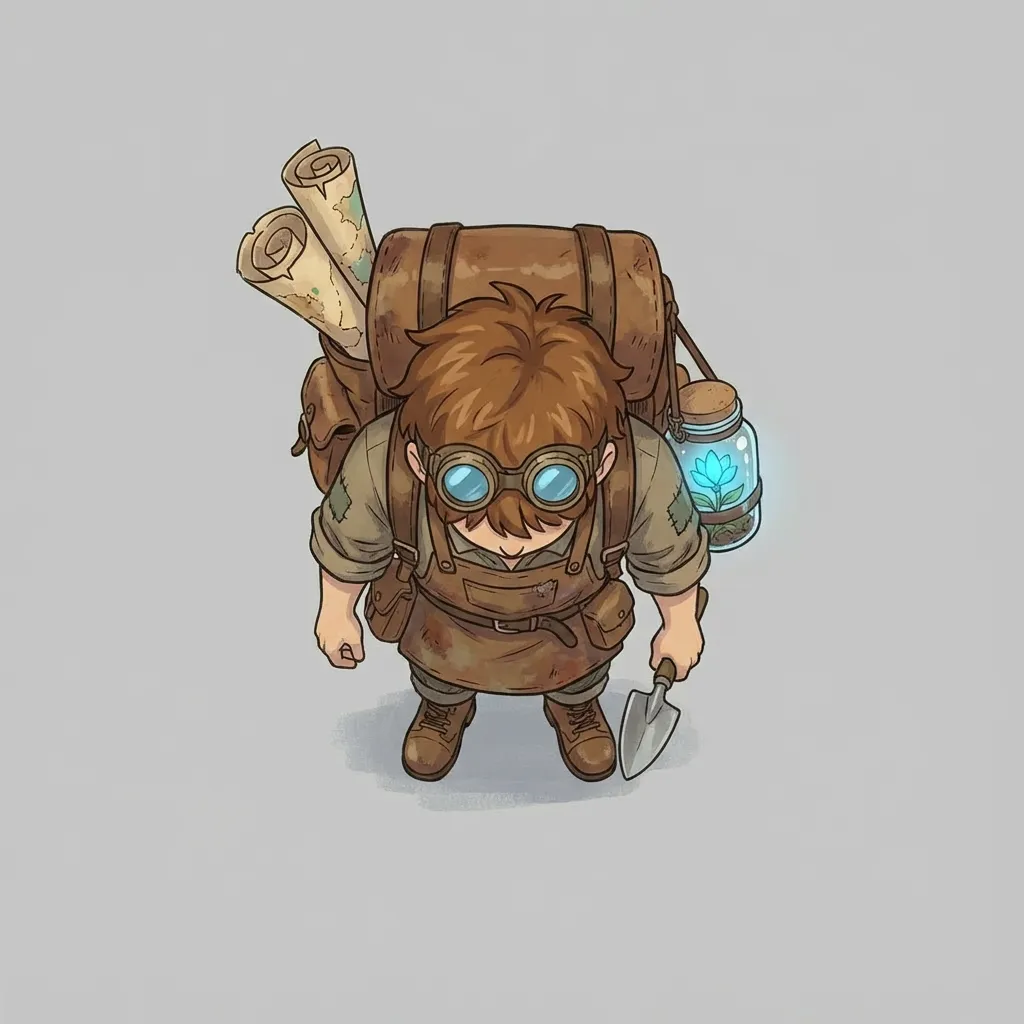
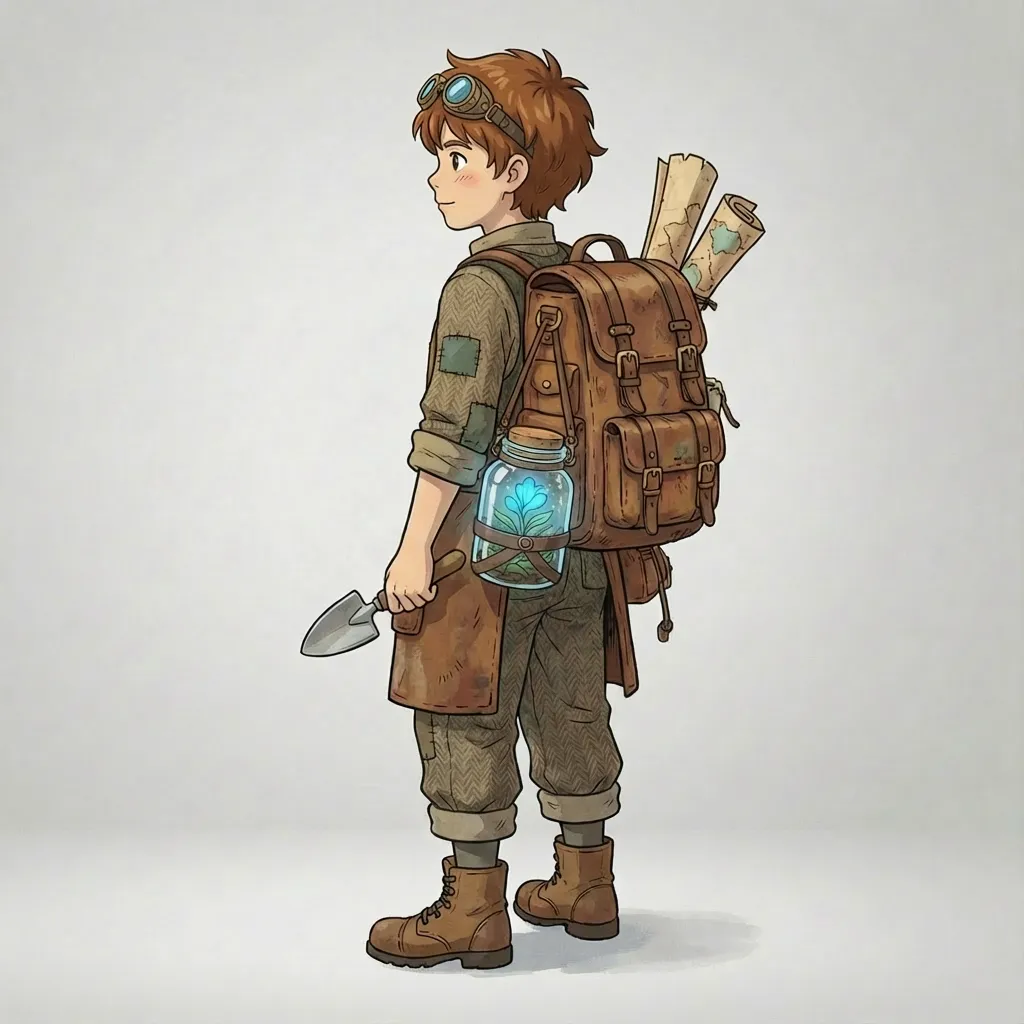
Replace the character and environment using the reference assets while keeping the original camera motion and action timing consistent.
Character Replacement
Swap key visual elements in a source video with reference assets and prompt guidance, then generate a new result that preserves motion while changing the scene identity.
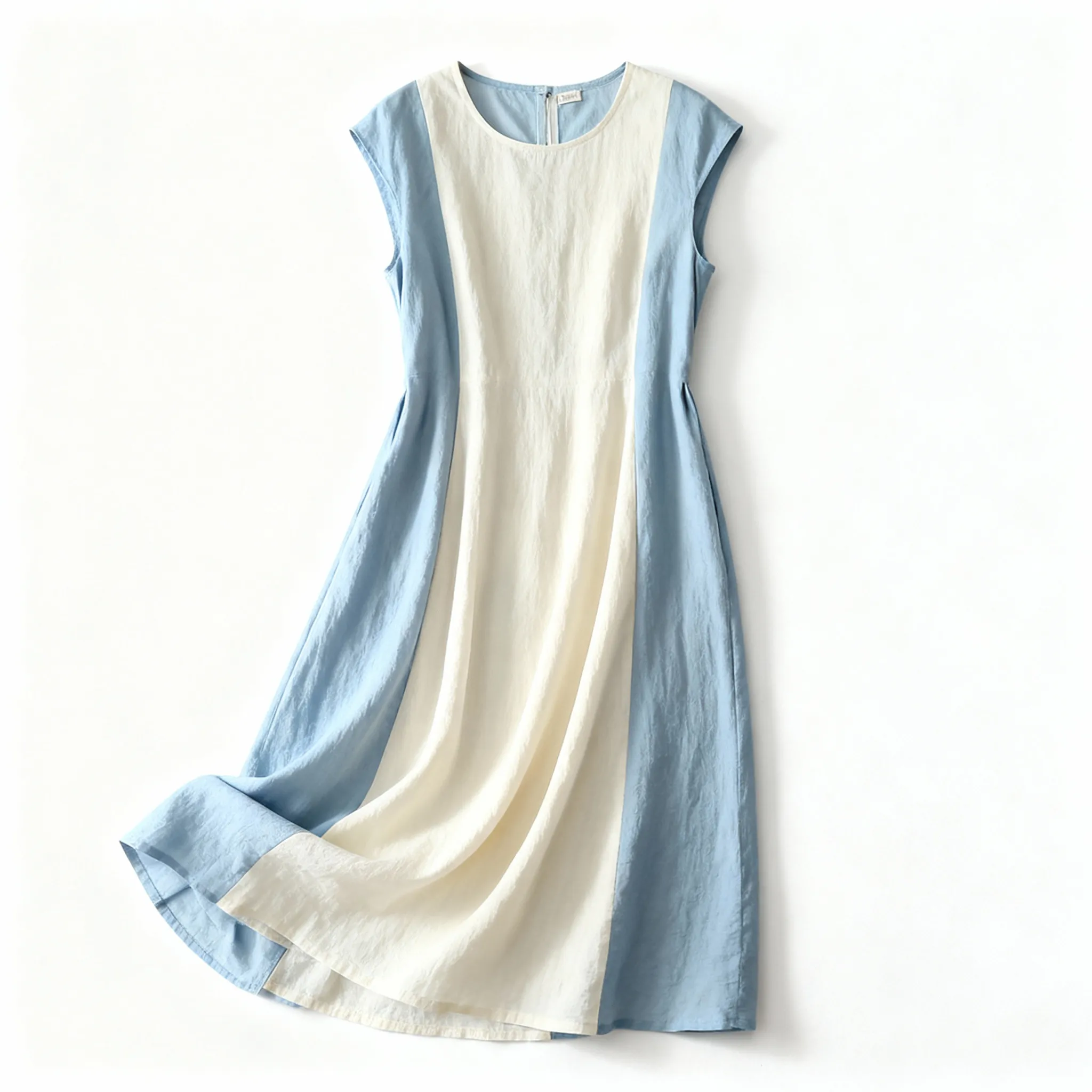
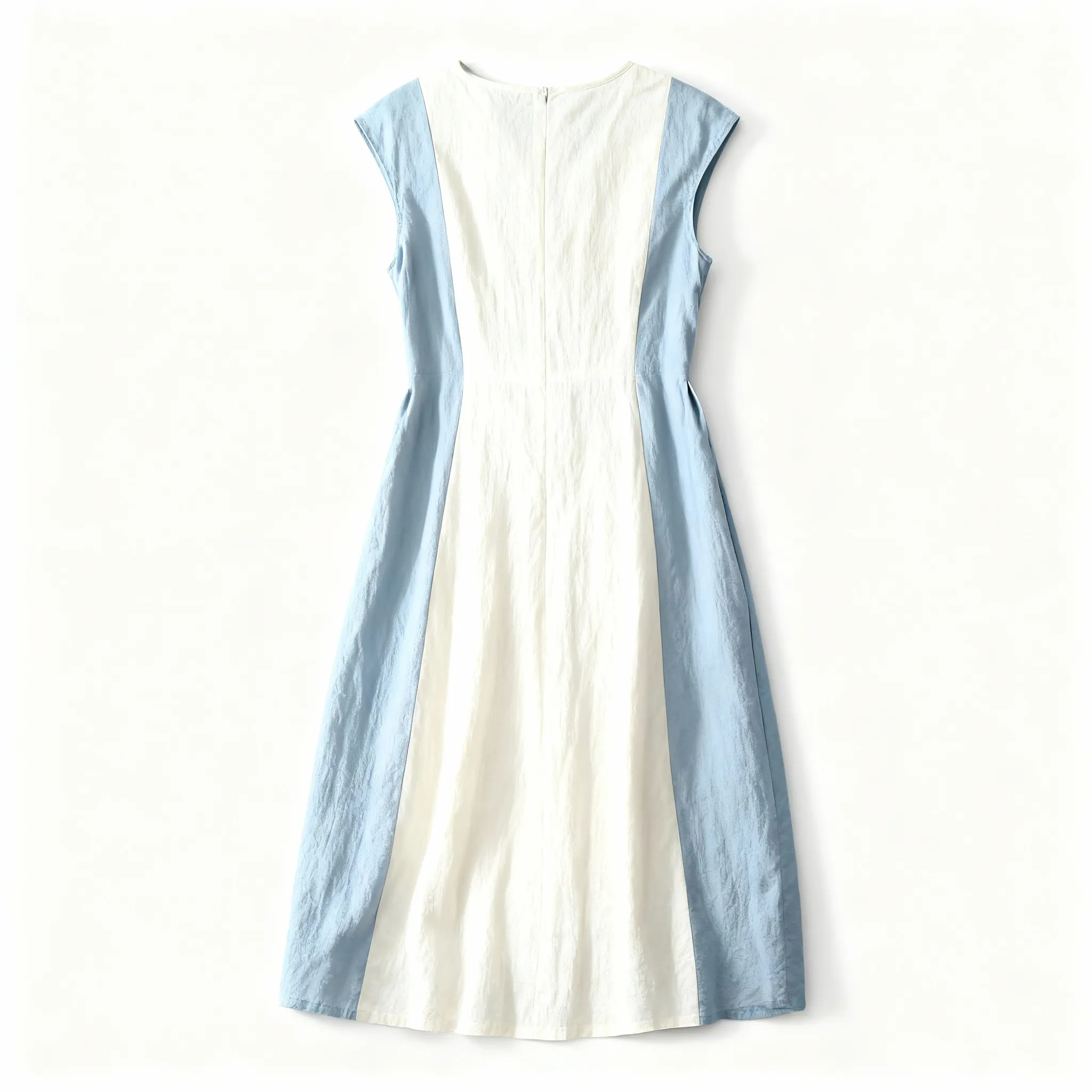
Change the clothing to match the dress references and keep the result coherent across the full shot.
Clothing Swap
Update wardrobe appearance in an existing shot with reference images and prompt control, while keeping body motion, framing, and performance intact.
Lip Sync Video
Use lip sync technology for AI dubbing, multilingual localization, and natural dialogue replacement while keeping expressions and mouth movements aligned to the new speech.
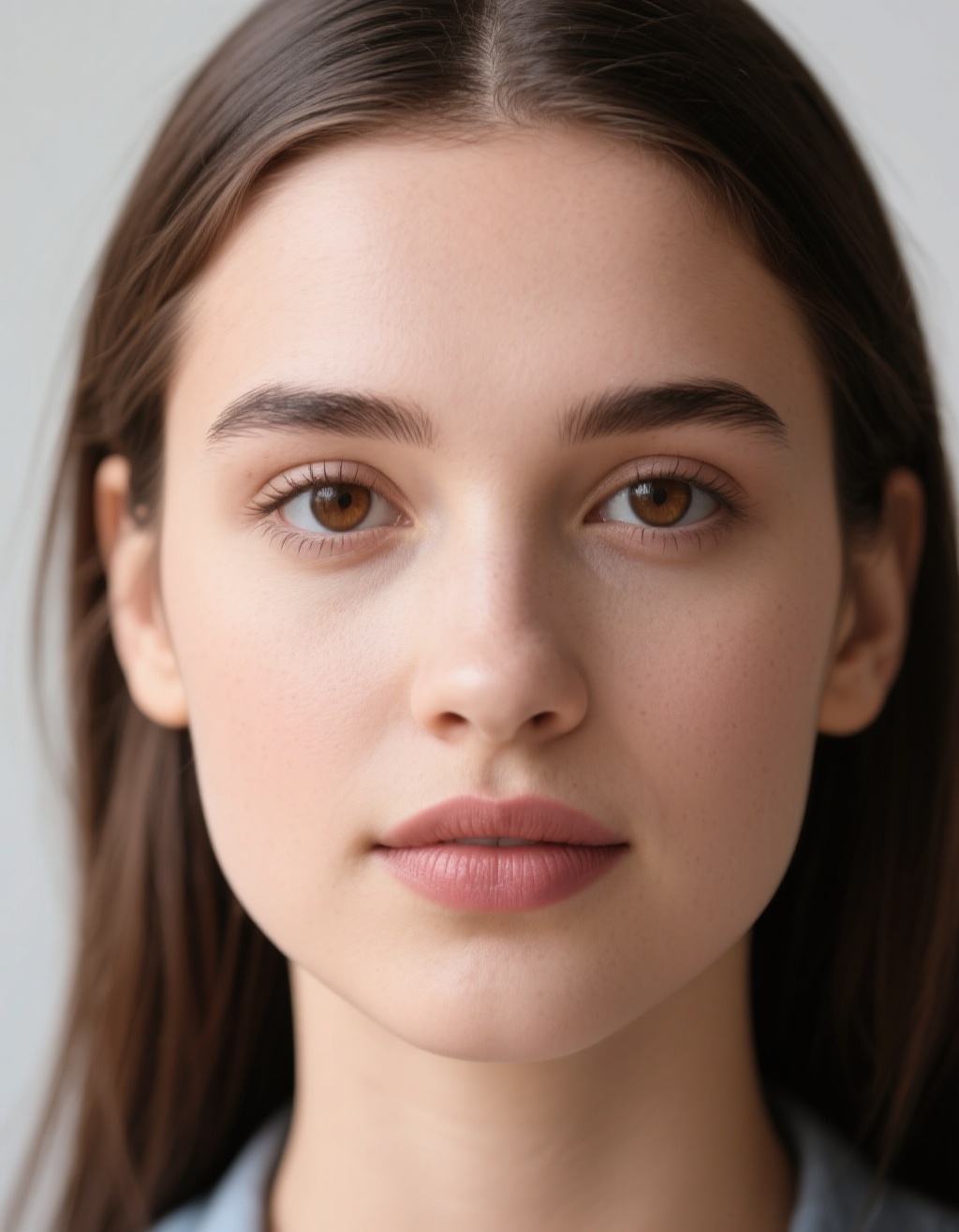
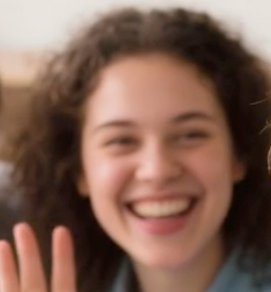
Use the source_image as the face to insert into the video, and use the target_image as the face in the video that should be replaced.
AI Video Face Swap
Replace the selected face in a target video with a source face image while preserving the original performance, camera motion, and shot timing.
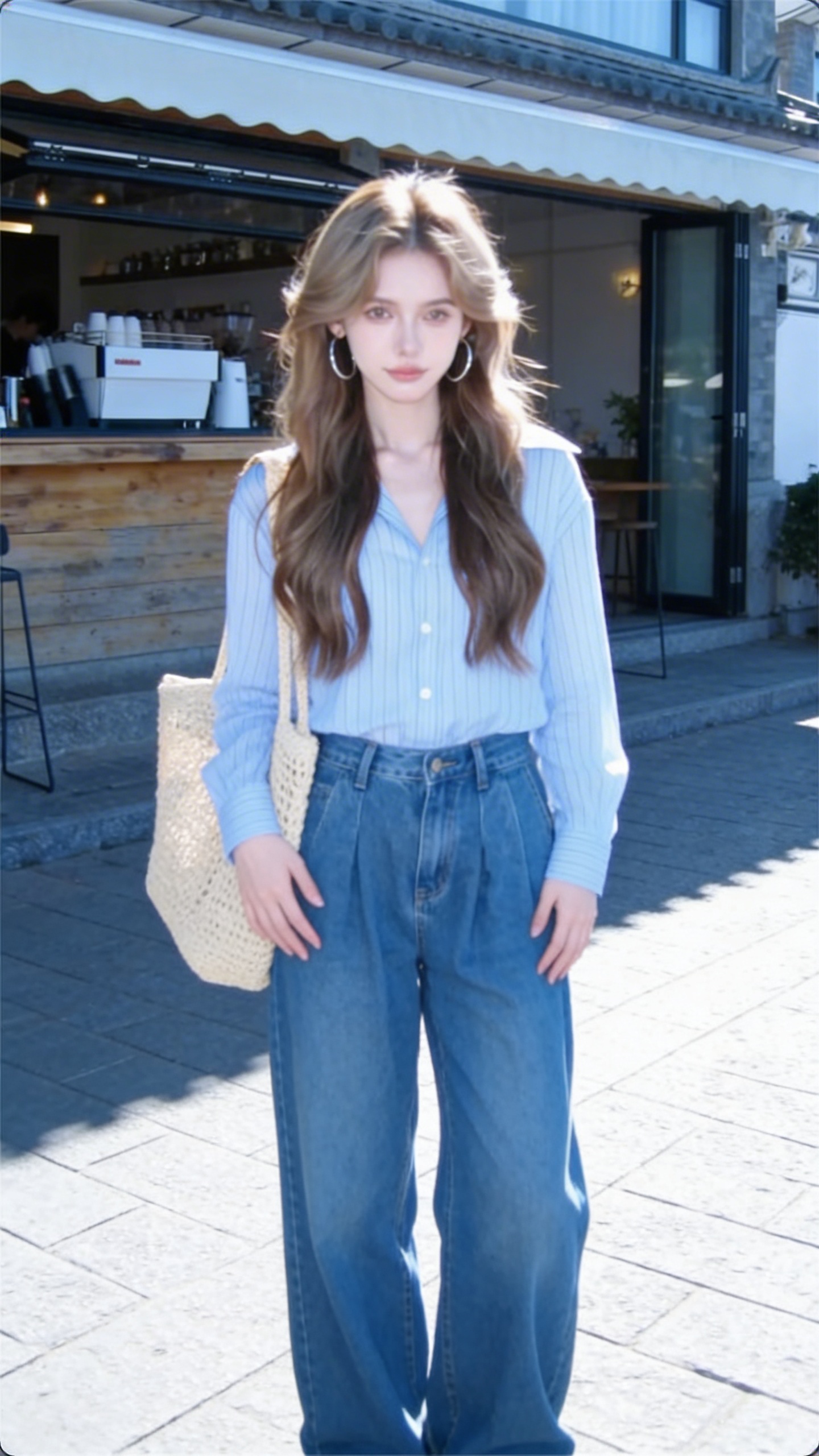
Motion Control
Drive highly synchronized motion transfer across facial expression details, full-body movement, and even subtle finger actions, while keeping the generated performance precise and believable.
Video Upscaler
Upscale video beyond a simple resolution boost by also recovering and enriching visual details, so the final result looks sharper, cleaner, and more informative frame by frame.
Video Extend
Extend video duration with flexible control over added seconds, making it easy to keep growing a clip and continuously push the scene length further when needed.
All-in-One Video to Video AI Platform
Edit videos, create lip sync videos, extend clips, swap faces, upscale quality, and transform footage with modern video to video AI tools.
Start CreatingVideo to Video AI | Pricing
Choose a plan for video editing, lip sync, video extend, video face swap, video upscale, image-to-video, and text-to-video workflows.
Professional
- 25,200 base credits + 7,800 bonus credits
- Credits are issued in full at once, refreshed annually
- Private generations allowed
- Commercial usage
- Priority support
- Support advanced Video to Video AI teams
Annual billing with 50% savings.
Ultra
- 50,400 base credits + 15,600 bonus credits
- Credits are issued in full at once, refreshed annually
- Private generations allowed
- Commercial usage
- Priority support
- Handle enterprise Video to Video AI volume
Annual billing with 50% savings.
Standard
- 12,000 base credits + 4,000 bonus credits
- Credits are issued in full at once, refreshed annually
- Private generations allowed
- Commercial usage
- Priority support
- Built for high-volume Video to Video AI production
Annual billing with 50% savings.
One-Time Credits
Pay as you go for Video to Video AI credits (never expires)
How to Use Each AI Model
Switch between the models available in the generator and follow the right workflow for each one.
Rework a video with references and prompts
Use this workflow when you want to replace characters, outfits, objects, or scene elements while preserving the original shot motion.
Best For: Character swaps, wardrobe changes, scene redesign, and branded video variants
Workflow Overview
Source video plus references for controlled transformation
Upload a video, attach reference images or element assets, and describe how the content should be re-rendered.
Model Summary
Video Editing
Rework a source video with references and element assets. Ideal for scene edits, character replacement, product insertion, style changes, and creative shot redesign.
Recommended Flow
Upload the Source Video -> Add Reference Assets -> Write the Edit Prompt -> Generate the New Version
Upload the Source Video
Start with the clip you want to transform while keeping its camera and motion structure.
Add Reference Assets
Upload supporting images or element packs that define the new visual target.
Write the Edit Prompt
Reference the uploaded assets in the prompt and explain what should change or stay.
Generate the New Version
Render the edited video and download the version that best fits the creative brief.
Ready to Transform Your Workflow?
Join thousands of creators who are already using our platform.
Frequently Asked Questions
Have another question? Contact us on Discord or by email.
Start Your First Video to Video AI Workflow
Generate edits, lip sync videos, extended scenes, face swaps, upscale passes, and new video ideas from one platform.