
AI Motion Control Video Tool
AI Motion Control
Upload a reference image and motion video to generate a controlled performance clip.
Perfectly replicate the character's expressions and movements from a reference video. It works especially well for dance videos and is ideal for TikTok creators. Both animals and humans can be replicated, but the reference image must show a full-body portrait.


AI Motion Control Results
See how a reference image follows the movement from a source motion video.
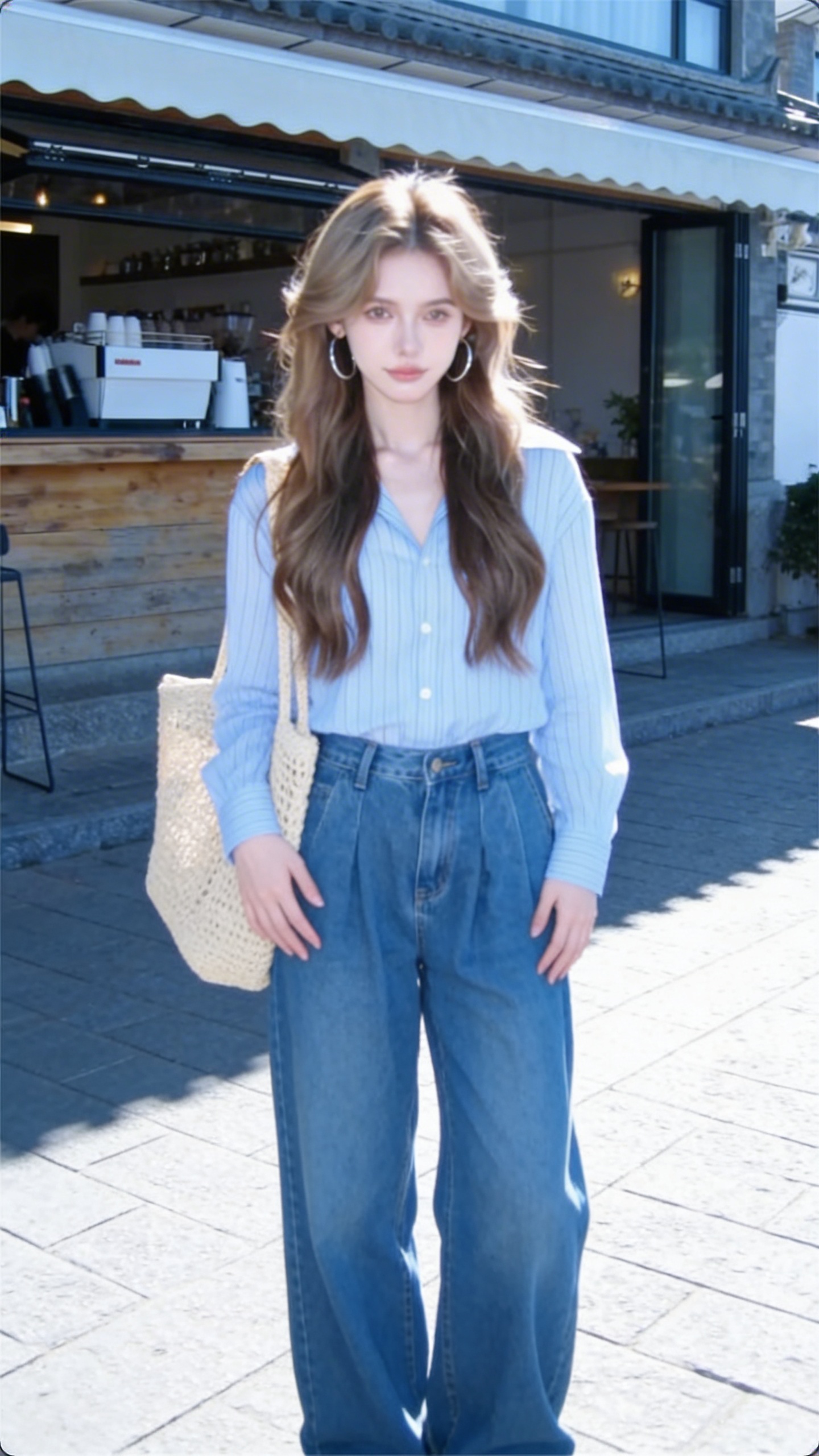
Motion Control
Drive highly synchronized motion transfer across facial expression details, full-body movement, and even subtle finger actions, while keeping the generated performance precise and believable.
How to Use AI Motion Control
Upload a character reference image and motion reference video, then set orientation and resolution before generation.
Transfer motion from a video to a reference image
Use this workflow when you need precise motion guidance and want a character or subject from an image to follow the movement of a separate video.
Best For: Performance transfer, motion-driven animation, and high-control character shots
Workflow Overview
Image identity with video-driven movement
Combine a reference image and a motion source video so the generated result follows the target look and the source movement together.
Model Summary
Motion Control
Perfectly replicate the character's expressions and movements from a reference video. It works especially well for dance videos and is ideal for TikTok creators. Both animals and humans can be replicated, but the reference image must show a full-body portrait.
Recommended Flow
Upload the Reference Image -> Upload the Motion Video -> Set Orientation and Resolution -> Generate the Controlled Result
Upload the Reference Image
Provide the image that defines the subject appearance, scene, and visual identity.
Upload the Motion Video
Add the video whose body motion or gesture pattern should be transferred.
Set Orientation and Resolution
Choose how character orientation should behave and pick the output resolution.
Generate the Controlled Result
Render the motion-driven clip and download the best controlled version.
Ready to Control Character Motion?
Upload an image and a motion video to begin.
Video to Video AI | Pricing
Choose a plan for video editing, lip sync, video extend, video face swap, video upscale, image-to-video, and text-to-video workflows.
Professional
- 25,200 base credits + 7,800 bonus credits
- Credits are issued in full at once, refreshed annually
- Private generations allowed
- Commercial usage
- Priority support
- Support advanced Video to Video AI teams
Annual billing with 50% savings.
Ultra
- 50,400 base credits + 15,600 bonus credits
- Credits are issued in full at once, refreshed annually
- Private generations allowed
- Commercial usage
- Priority support
- Handle enterprise Video to Video AI volume
Annual billing with 50% savings.
Standard
- 12,000 base credits + 4,000 bonus credits
- Credits are issued in full at once, refreshed annually
- Private generations allowed
- Commercial usage
- Priority support
- Built for high-volume Video to Video AI production
Annual billing with 50% savings.
One-Time Credits
Pay as you go for Video to Video AI credits (never expires)
Frequently Asked Questions
Practical answers about workflows, inputs, and outputs.
What exactly is Video to Video AI and how does it work?
Video to Video AI is an all-in-one platform for video editing, lip sync, video extend, video face swap, video upscale, image-to-video, text-to-video, and motion-controlled generation. You choose a workflow, upload your source assets, set the prompt or parameters, and generate the result in one place.
Do I need advanced technical skills to use these Video to Video AI tools?
No. The workflows are designed for creators, marketers, editors, and teams who want practical results without building custom pipelines. If you can upload source files and describe the result you want, you can use the platform.
What problems can Video to Video AI solve right now?
You can use Video to Video AI for character replacement, clothing swaps, lip sync dubbing, multilingual localization, scene continuation, face swap, motion transfer, video upscale, image-to-video animation, text-to-video generation, and reference-driven video editing.
Can I customize the Video to Video AI output for my own use case?
Yes. Most workflows let you control prompts, uploaded references, audio sources, masks, durations, aspect ratios, resolutions, and other settings so the result matches your production goal more closely.
Start Your First Video to Video AI Workflow
Generate edits, lip sync videos, extended scenes, face swaps, upscale passes, and new video ideas from one platform.